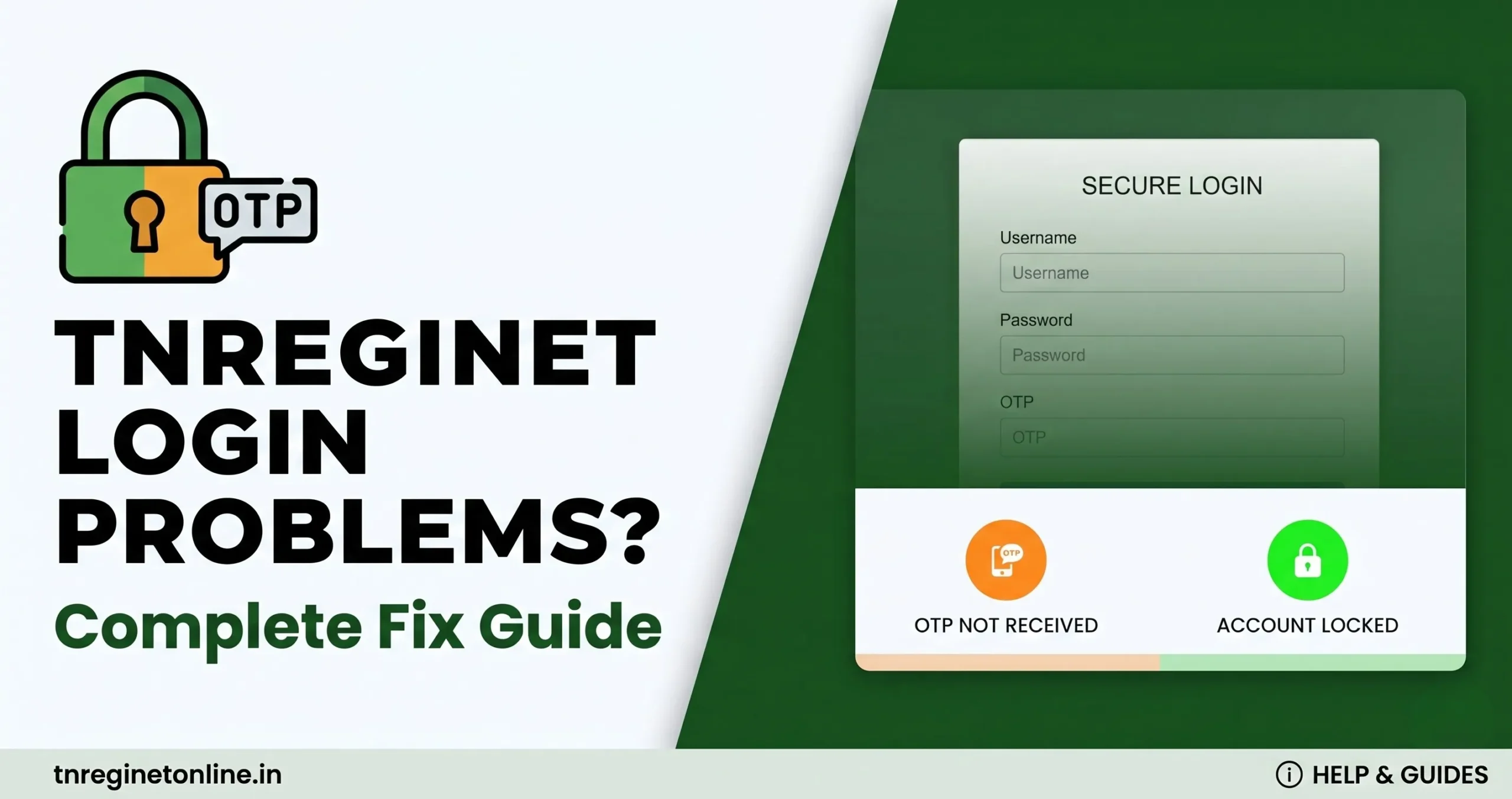
Stuck at the TNREGINET login screen right when you need to check an EC, track an application, or register a document? Most TNREGINET login problems fall into five categories OTP not arriving, forgotten password, a locked account, a captcha that won’t load, or the portal itself being slow and each one has a specific, quick fix. This guide walks through all five so you can get back into your account without losing your place.
Login Errors
OTP Problems
Account Locked
Portal Slow/Down
TNREGINET Login Issues at a Glance
Haven’t registered an account yet, or want the full sign-up walkthrough first? See our complete TNREGINET registration and login guide on the main portal site before working through the fixes below.
TNREGINET OTP Not Received Step-by-Step Fix
This is the single most common login complaint. Work through these in order:
- Wait 60 seconds, then click Resend OTP — most delays are simple network lag, not an actual fault.
- Check that your registered mobile number is correct and active — if you’ve changed SIM cards since registering, the OTP is still going to the old number.
- If using email OTP, check Spam/Junk folder — government portal emails are frequently misfiled by spam filters.
- Check your phone isn’t on DND mode for transactional SMS, and that your mobile operator isn’t blocking the sender ID.
- Still nothing after 2-3 tries? The portal’s SMS gateway may be temporarily down — wait 15-20 minutes and retry, or contact the helpline below.
Forgot Password or Username How to Reset
Your TNREGINET username is usually the mobile number or email you registered with. If login fails:
- Try logging in with your registered mobile number first, since that’s the most common username format.
- If that fails, click Forgot Username and recover it using your registered email.
- For a forgotten password, click Forgot Password, enter your registered mobile/email, verify the OTP, and set a new password.
- Double-check Caps Lock is off passwords are case-sensitive, and this trips up more logins than people expect.
Account Locked or Showing Inactive What to Do
There are two different situations here, and they need different fixes:
Temporarily locked from wrong attempts: entering the wrong password multiple times triggers a short security lock. Wait roughly 30 minutes and try again, or skip the wait entirely by using Forgot Password to reset immediately.
Account inactive from long disuse: TNREGINET accounts that go unused for an extended period can become inactive as a security measure. The exact inactivity window isn’t consistently stated across sources, so rather than relying on a specific number, the safest approach is: if your account won’t accept your correct credentials and isn’t showing a “wrong password” error, log in periodically going forward, and contact TNREGINET support directly to confirm reactivation steps for your specific case.
⚡ Real scenario: Say you’re midway through registering a Gift Deed and the portal logs you out before you’ve submitted don’t restart the deed drafting. Just work through the login fixes above first; your draft application is usually still saved against your account once you’re back in.
Captcha Not Loading or Not Accepted
- Click the refresh icon next to the captcha box to load a new one if it looks distorted or blank.
- Disable ad-blockers temporarily some block the captcha script entirely.
- Clear browser cache and cookies, then reload the login page.
- Switch to Chrome or Firefox if you’re on a less common browser TNREGINET is best tested on these two.
TNREGINET Site Slow, Not Loading, or Down
Government portals see heavy traffic during business hours. Before assuming it’s down for everyone:
- Force a hard refresh with Ctrl + F5 to bypass cached pages.
- Try again early morning (before 10 AM) the portal is typically fastest outside peak 10 AM-5 PM hours.
- Switch networks if possible some corporate or campus networks restrict government domains.
- If it’s genuinely down site-wide, it’s usually back within a few hours; avoid repeated form submissions in the meantime, as duplicate applications can complicate your reference number
Conclusion
Most TNREGINET login problems come down to five fixable causes OTP delays, a forgotten password, a temporary lock, a captcha glitch, or peak-hour slowness. Work through the relevant section above before assuming something is seriously wrong, and keep your reference numbers saved any time you’re mid-application so a login hiccup never costs you your progress.