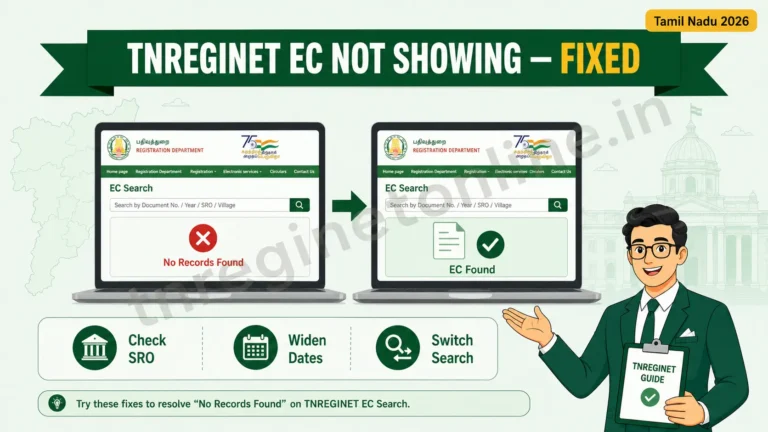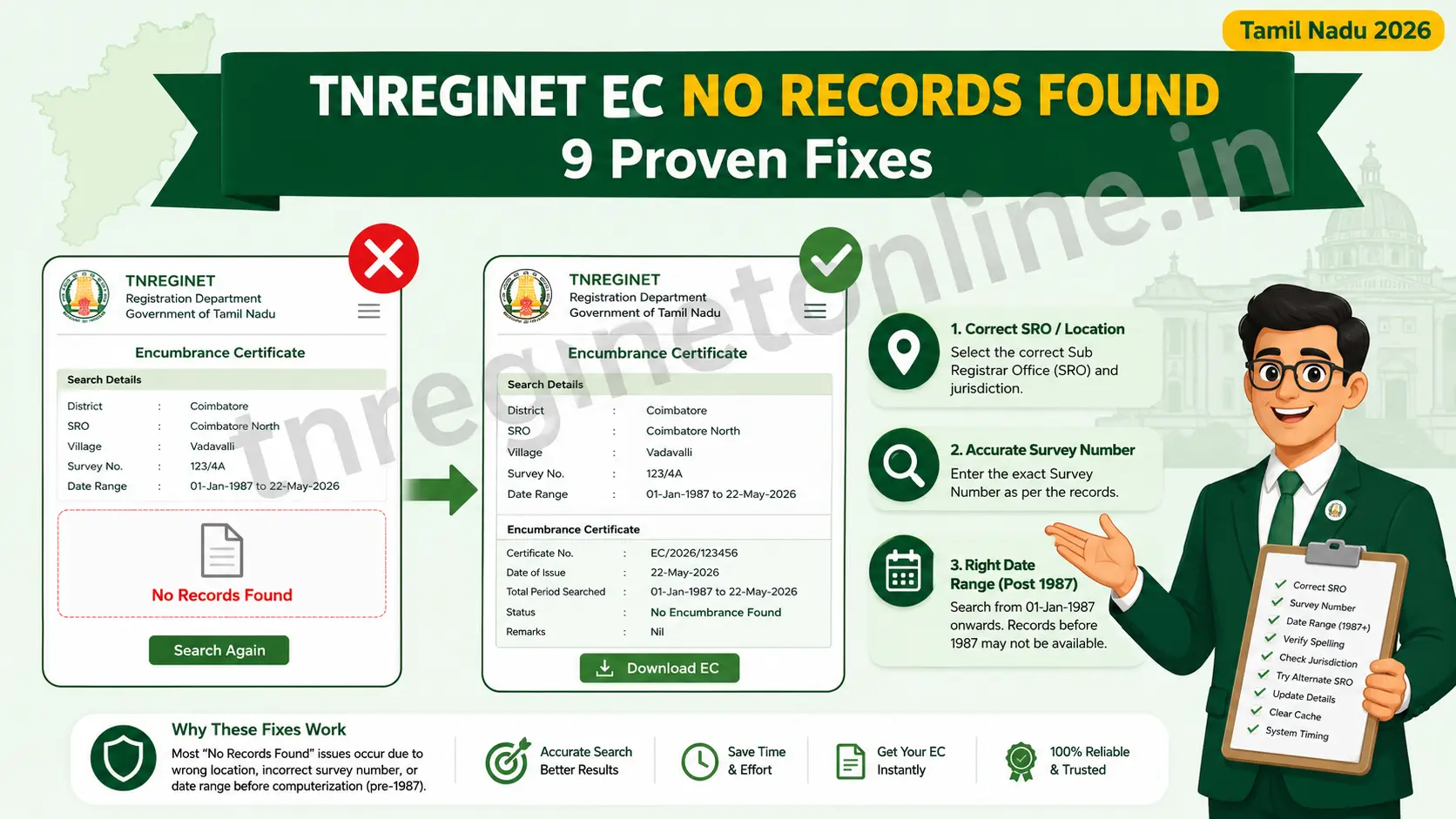
The short version: A TNREGINET EC no records found message almost never means the property is the problem. In the large majority of cases it is a mismatch in one field you typed: the wrong Sub-Registrar Office, a survey or subdivision number that is off by a digit, or a search period that starts after (or before) the transaction you are looking for. Fix that one field and the record usually appears.
You entered every detail, clicked search, waited for the captcha, and the portal returned nothing. It is a frustrating moment, especially when a bank or buyer is waiting on that EC. The good news: this is one of the most common and most fixable errors on TNREGINET. This guide walks through why it happens, how to identify which cause is yours, and the exact steps to get your Encumbrance Certificate to show.
Before anything else, one reassurance worth stating plainly. A “No Records Found” result does not mean the property is fake, disputed, or unregistered. It simply means the details you entered did not match a record in the exact database slice the portal searched. Change the inputs, and the match usually appears.
Match your symptom to the likely cause
Different situations point to different causes. Find the row that matches what you are seeing, then go straight to that fix below.
| What you are seeing | Most likely cause |
|---|---|
| Property is definitely registered, but nothing shows | Wrong SRO or wrong survey/subdivision number |
| You bought it decades ago and see nothing | Record predates the 1987 digitised data, or period too narrow |
| You registered it very recently and see nothing | Record not yet updated in the database |
| Survey search fails, but you have the deed number | Wrong search type — switch to document-wise |
| Page errors, reloads, or freezes before results load | Portal load or browser/session glitch |
The causes and their fixes, one by one
1. Wrong Sub-Registrar Office selected
This is the leading cause. Every property in Tamil Nadu is tied to the SRO where its document was registered, and that record set is not shared with neighbouring offices. Pick the wrong SRO and the search comes back empty even though everything else is correct.
Fix: Find the correct office using the portal’s Know Your Jurisdiction tool. Log in, open Know Your Jurisdiction on the homepage, enter your street or village details, and the portal returns the exact SRO name and address for that location. Use that office in your EC search. If you have an older sale deed, the registering SRO is usually printed on it too. Our guide on finding the correct Sub-Registrar Office walks through this in detail.
2. Survey or subdivision number off by a digit
A single wrong digit, or a subdivision that changed after a land partition, makes the parcel impossible to match. Old and new survey numbers frequently differ for the same plot.
Fix: Cross-check the survey number and subdivision number, digit for digit, against your Patta Chitta or sale deed rather than typing from memory. If you are not certain of the current number, verify it on the Tamil Nadu land-records service at eservices.tn.gov.in before you search again. You can also try searching EC by survey number using the exact figures from your deed.
3. Search period too narrow or before 1987
TNREGINET serves computerised records from 1987 onwards. Anything registered before that year will not appear online. Just as often, the date range is simply too tight and misses the transaction year.
Fix: Set the “from” date to 1 January 1987 (or later) and the “to” date to today, so you capture the full digitised history in one search. For records genuinely older than 1987, you will need a manual search at the Sub-Registrar Office, which the digital portal cannot serve.
4. Recently registered, not yet in the database
If the transaction happened in the last few days or weeks, the record may not have been uploaded yet. New registrations take time to reflect on the portal.
Fix: Wait a few working days and search again. If the registration was completed but still does not appear after a reasonable gap, contact the SRO where it was registered to confirm the record has been digitised.
5. Wrong search type for the details you hold
The portal offers three search modes: EC-wise (by survey and village), Document-wise (by registration number and year), and Plot/Flat-wise. Choosing a mode that does not fit the information you have often returns nothing.
Fix: If a survey-based search fails and you have the registration document number, switch to document-wise EC search instead. Records that one method misses often surface under the other.
6. Village name spelling or wrong zone
A village listed under a different spelling, or a zone that does not match the district on your deed, sends the request to the wrong record set entirely.
Fix: Try alternate spellings of the village name from the dropdown, and confirm the zone matches the district printed on your document. Small transliteration differences between Tamil and English spellings are a common trap here.
7. Portal load, browser, or session glitch
TNREGINET sees heavy traffic during office hours, and the page can stall, misfire the captcha, or drop your session before results load. That can look like an empty result when it is really a technical hiccup.
Fix: Clear your browser cache or open the portal in an incognito window, try a different browser such as Chrome or Edge, and prefer a desktop over mobile for the date and survey fields. Searching during off-peak hours (early morning or late evening) also helps when the servers are busy.
How to re-run the EC search correctly
Once you have corrected the field that was wrong, here is the clean search sequence on the official portal.
- Go to the official portal at tnreginet.gov.in and log in with your registered account. Basic viewing is free.
- Open E-Services → Encumbrance Certificate → Search / View EC.
- Choose your search type: EC-wise (survey and village), Document-wise (registration number and year), or Plot/Flat-wise.
- Enter Zone, District, the correct SRO, Village, Survey Number and Subdivision Number, checking the one field that failed last time.
- Set the period from 01-01-1987 to today so no year is missed.
- Enter the captcha carefully and click Search. When the record resolves, view it on screen and download the free PDF.
Frequently asked questions
Why does TNREGINET show “No Records Found” even though my property is registered?
Almost always because of a mismatch in what you entered: the wrong Sub-Registrar Office, a survey or subdivision number off by a digit, or a date range that misses the transaction year. Correct that single detail and the record usually appears. It rarely means the property itself has no record.
How do I find the correct Sub-Registrar Office for my property?
Use the Know Your Jurisdiction tool on the TNREGINET homepage. Enter your street or village details and the portal returns the exact SRO name and address. The registering SRO is also usually printed on your original sale deed.
My property was registered before 1987. Why can’t I find its EC online?
TNREGINET holds computerised records from 1987 onwards only. Transactions older than that are not available online and must be requested through a manual search at the relevant Sub-Registrar Office.
I registered my property recently and it still shows no record. What should I do?
New registrations take a few working days to reflect on the portal. Wait a short while and search again. If it still does not appear after a reasonable gap, contact the SRO where you registered to confirm the record has been digitised.
Is viewing the EC on TNREGINET free?
Yes. Viewing and downloading the basic EC as a PDF is free with a registered account. A small government fee applies only if you need a certified copy from the Sub-Registrar Office.
In short: check one field, not the whole property
A “No Records Found” message on TNREGINET is a data-entry signal, not a verdict on your property. Nine times out of ten the fix is the correct SRO, an exact survey number matched to your deed, and a date range that reaches back to 1987. Correct the one field that was wrong, re-run the search, and the EC almost always appears.
If it still does not, the record is likely pre-1987 or needs a manual check, so visit the registering SRO with your deed and Aadhaar, or call the portal helpline on 1800 102 5174. Always confirm the latest fees and contact details on the official portal before you act.
Related services on this site:
- TNREGINET EC View & Download: the full step-by-step for viewing and saving your Encumbrance Certificate.
- Find Your Correct SRO: use Know Your Jurisdiction to identify the right Sub-Registrar Office.
- EC Search by Document Number: the alternative search when survey details do not work.
Last updated: July 2026. This is an independent guidance site and is not affiliated with the Government of Tamil Nadu or the Registration Department. Always verify current details on the official portal, tnreginet.gov.in.