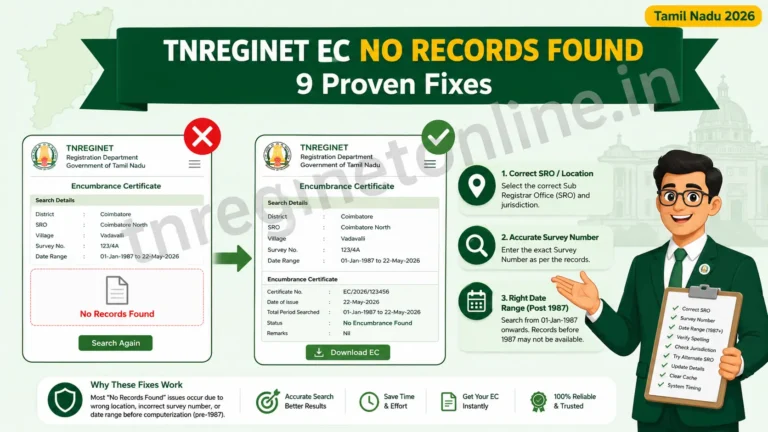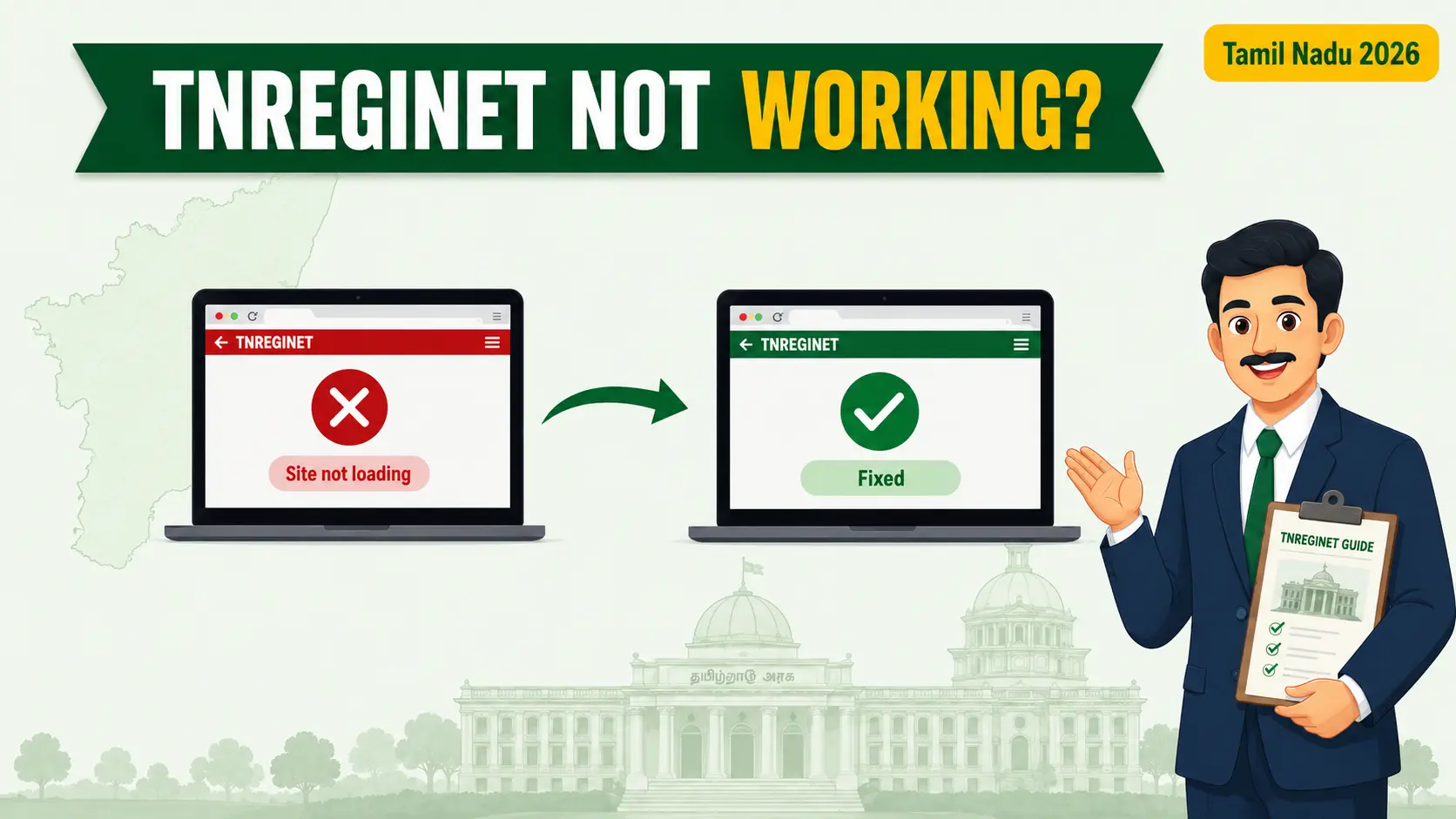
You open TNREGINET to check an EC or pay a registration fee, and the page just spins, throws an error, or refuses to load. Frustrating, especially when a deadline is near. Here is the useful part: most of the time this is fixable in a couple of minutes, and even when the portal is genuinely down, there is a clear reason and a workaround. This guide first helps you find out why TNREGINET not working, then gives you eight fixes that actually solve it.
First, Is It Down for Everyone or Just You?
This one check saves a lot of wasted effort. If the portal is down at the server end, no amount of browser fiddling will help, so do not bother. If it is only failing for you, the fixes further down will sort it out. Here is how to tell the difference.
Likely down for everyone if:
The page shows “Website will be available soon” or a maintenance notice, it fails on both your phone and computer, and it fails on mobile data as well as WiFi. In this case, wait it out.
Likely just your side if:
It loads on your phone but not your laptop, only one browser fails, or you only see errors after login or captcha. In this case, run the fixes below.
A fast way to confirm a wider outage is to open the portal on a completely different device and network, for example your phone on mobile data. If it loads there, the problem is local to your first device.
Why TNREGINET Is Not Working: Common Reasons
Before the fixes, it helps to know what you are dealing with. Match your symptom to the likely cause below.
| What you see | Likely reason |
|---|---|
| “Website will be available soon” / maintenance page | Scheduled server maintenance, often under the STAR 3.0 upgrade |
| Very slow, keeps timing out at peak hours | Heavy traffic on the government server |
| Blank page, old version, or half-loaded layout | Corrupted browser cache or cookies |
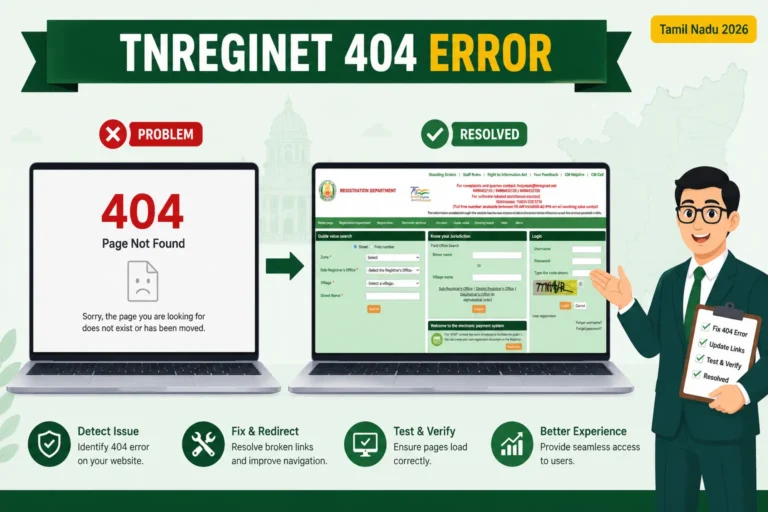
| 404 or “page not found” | Wrong or outdated link, or a moved page |
| Captcha or login fails repeatedly | Browser extension, VPN, or unstable connection |
8 Proven Fixes When TNREGINET Not Working
Work through these in order. Most people are back in by fix 3 or 4.
Portal Down? Your Registration Is Not Stuck
Here is the reassuring part many people miss. When TNREGINET was taken offline for maintenance in the past, the Registration Department confirmed that Sub-Registrar Offices continued to function normally, and in-office registration work carried on without interruption. So a website outage does not freeze your property deal. If you have a booked appointment or an urgent registration, the physical SRO is still your route, and online services return once maintenance ends.
Still Not Working? Where to Go Next
If the site loads but a specific feature keeps failing, the problem is usually that one service, not the whole portal. If you are stuck at sign-in, our guide on TNREGINET login problems and fixes walks through captcha, password, and OTP issues step by step. If money was deducted but the transaction did not complete, read TNREGINET payment failed but amount debited before you try paying again. And if you would rather speak to someone, the TNREGINET customer care contact guide lists the ways to reach the department. You can always confirm the live portal status on the official site at tnreginet.gov.in.
Frequently Asked Questions
It may be, if you see a maintenance page or it fails on every device and network. The quickest check is to open the portal on a second device using a different connection. If it loads there, the issue is on your side, not the server.
Post-login errors are usually caused by a VPN, a browser extension, or an expired session. Turn off the VPN, use an incognito window, or log out and back in, then retry.
Google Chrome is the most reliable, with Microsoft Edge as a good backup. The portal depends on modern browser features, so very old browsers often fail.
Yes. During past maintenance windows, Sub-Registrar Offices continued to operate as usual. A website outage does not stop in-office registration work.
Early morning or late at night, when server traffic is lowest. Pages and downloads that time out during busy working hours usually load fine then.
In short
If TNREGINET is not working, check whether it is down for everyone or just you, then run the fixes: correct address, hard refresh, clear cache, switch browser, drop the VPN, change network, and try off-peak. If it is genuine maintenance under STAR 3.0, wait it out, and remember Sub-Registrar Offices keep working meanwhile. For the live status and official help, use tnreginet.gov.in.
Related Services
TNREGINET Login Problems: fix captcha, password, and OTP errors at sign-in.
TNREGINET Payment Failed but Debited: what to do when money is deducted but the payment fails.
TNREGINET Customer Care: ways to reach the Registration Department for help.
This is an independent informational resource and is not affiliated with the official Tamil Nadu government website. Last updated: July 2026.