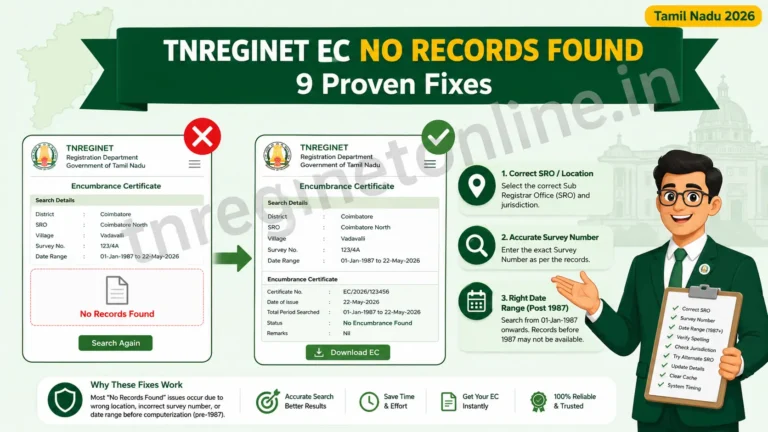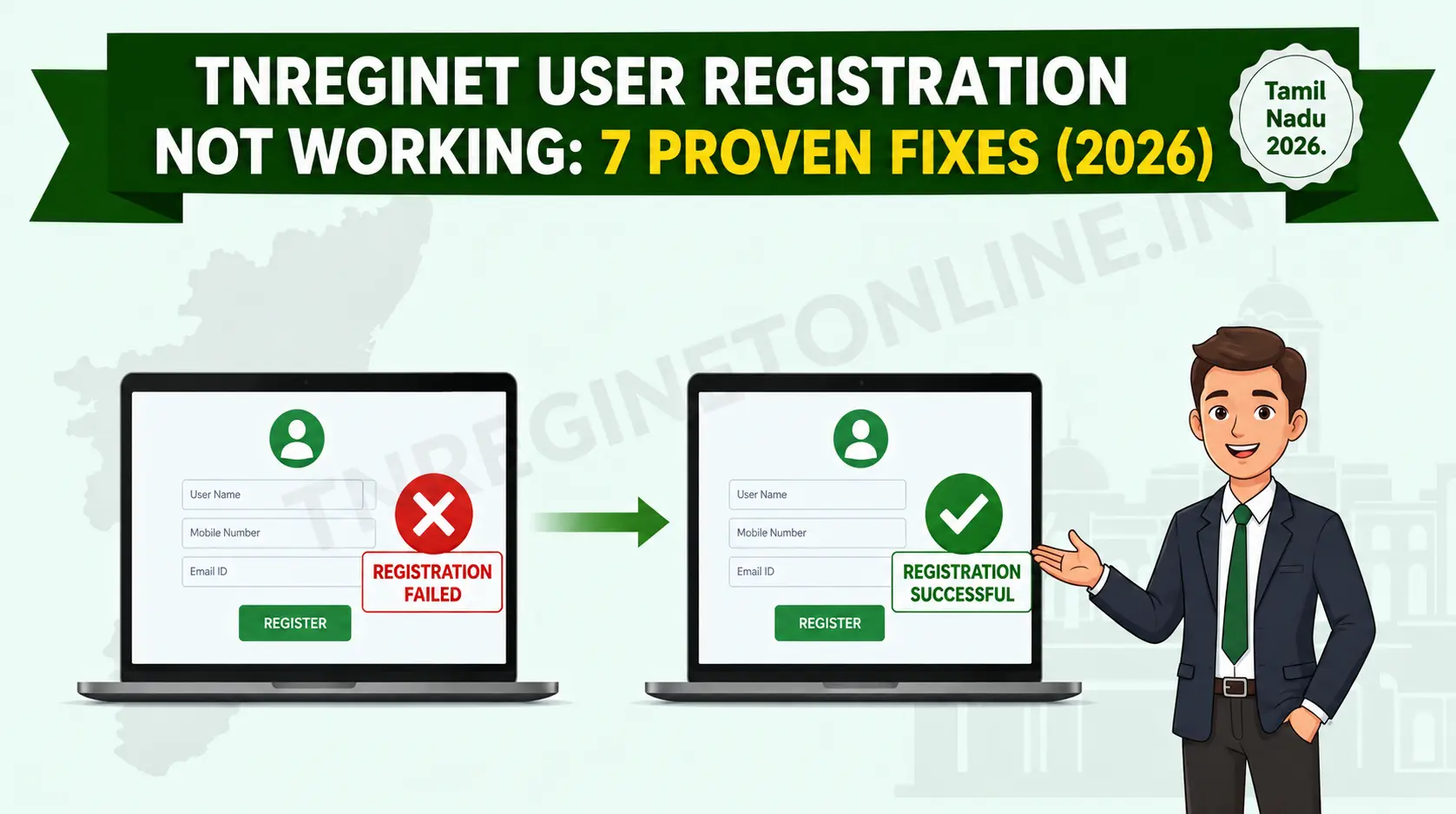
If your TNREGINET user registration is not working, whether the form won’t submit, the OTP never arrives, or the activation email is missing, you’re not alone. This is one of the most common blockers new users hit before they can access EC search, guideline value, or any other Tamil Nadu registration service. Below are 7 tested fixes, in the order you should try them, so you can get your account active without a wasted trip to the Sub-Registrar Office.
OTP Usually Arrives in 60 Sec
Resend Fixes Most Cases
Check Spam for Activation Mail
Escalate After 24 Hours
Why TNREGINET User Registration Fails During Signup
TNREGINET user registration not working usually comes down to one of four things: the OTP or activation email did not arrive, the browser blocked a required script, the server was briefly overloaded, or a form field was entered incorrectly. This is different from a login failure, since login problems happen to users who already have a working account. If you have never successfully completed registration, the issue is almost always on the signup side, not the login side.
Knowing which category your problem falls into saves time, since the fix for a missing OTP is completely different from the fix for a form that will not submit at all.
7 Fixes for TNREGINET User Registration Not Working
Confirm You’re on the Correct Registration Form
Many fake or outdated third-party pages mimic the official portal. Make sure you are on tnreginet.gov.in and using the genuine User Registration link under the Registration menu, not a bookmarked page that may be stale or a lookalike domain.
Fix OTP Not Received During Registration
Wait a full 60 seconds before tapping Resend OTP, since early retries can actually delay delivery. Confirm the mobile number you entered is correct, active, and not on DND for transactional SMS. If two resends fail, try switching from a spotty mobile network to WiFi, since SMS gateway delays are common during peak evening hours.
Check Spam and Promotions Folders for the Activation Mail
If your registration asked for email confirmation, the activation link often lands in Spam, Promotions, or a Gmail tab rather than the primary inbox. Search your inbox for “tnreginet” directly instead of scrolling, since filters sometimes relabel the sender name.
Enable JavaScript and Clear Browser Cache
The TNREGINET homepage explicitly requires JavaScript to be enabled for the registration form to submit properly. If the Complete Registration button does nothing when clicked, check your browser’s JavaScript setting first, then clear your cache and cookies before trying again.
Switch Browser or Device
If the form still will not submit after clearing cache, try Chrome or Firefox on a desktop instead of a mobile browser, since some older mobile browsers render government form fields incorrectly. Disable ad-blockers and browser extensions for this one session, as they sometimes block the captcha or OTP script.
Wait Out a Temporary Server Overload
TNREGINET user registration can slow down or time out during peak hours, typically between 10 AM and 5 PM on weekdays. If the page loads slowly or the form hangs after submission, try again early morning or late evening when server load is lighter.
Raise a Grievance With the TNREGINET Helpdesk
If none of the steps above resolve the issue after 24 hours, contact the official helpdesk with your registered mobile number, the user type you selected, and the exact error message or screen you are stuck on. Having these details ready speeds up resolution significantly.
⚡ Key takeaway: If you’re stuck at step 7, our TNREGINET customer care number guide lists the exact contact channel for registration and account complaints. And if your registration succeeded but you’re now stuck at the sign-in screen instead, that’s a separate issue covered in our login problems and account issues guide.
Registration Successful But Can’t Log In? That’s a Different Problem
If your TNREGINET user registration completed and you received a success message, but you now cannot sign in, the cause is usually a wrong password, a locked account after repeated attempts, or a login-page OTP delay rather than a registration fault. That scenario has its own set of fixes, covered separately in our dedicated login troubleshooting guide, since mixing up the two problems often wastes time on the wrong solution.
How to Avoid Registration Errors the Next Time
- Active Mobile Number: Use a number you can access immediately, since OTP verification is mandatory and time-limited.
- Stable Internet Connection: Avoid registering over weak mobile data, since a dropped connection mid-form is a common cause of submission failures.
- Updated Browser: Use a current version of Chrome or Firefox with JavaScript enabled and ad-blockers off for this one session.
- Off-Peak Timing: Register early morning or late evening to avoid server slowdowns during the 10 AM to 5 PM window.
Related Guides You May Find Helpful
- TNREGINET Login Problems & Account Issues: For errors that happen after your account is already active.
- TNREGINET Customer Care Number: The right contact channel for registration complaints versus general queries.
- TNREGINET EC View Online: What to do once your account is active and you’re ready to search EC records.
Frequently Asked Questions
Conclusion
TNREGINET user registration not working is almost always fixable without a visit to the Sub-Registrar Office. Start with the OTP and browser checks, give the portal 24 hours if it’s a server-side delay, and escalate to the helpdesk with your details ready if the problem persists. Most users are registered and active within a single retry once they know which of the 7 fixes applies to their situation.