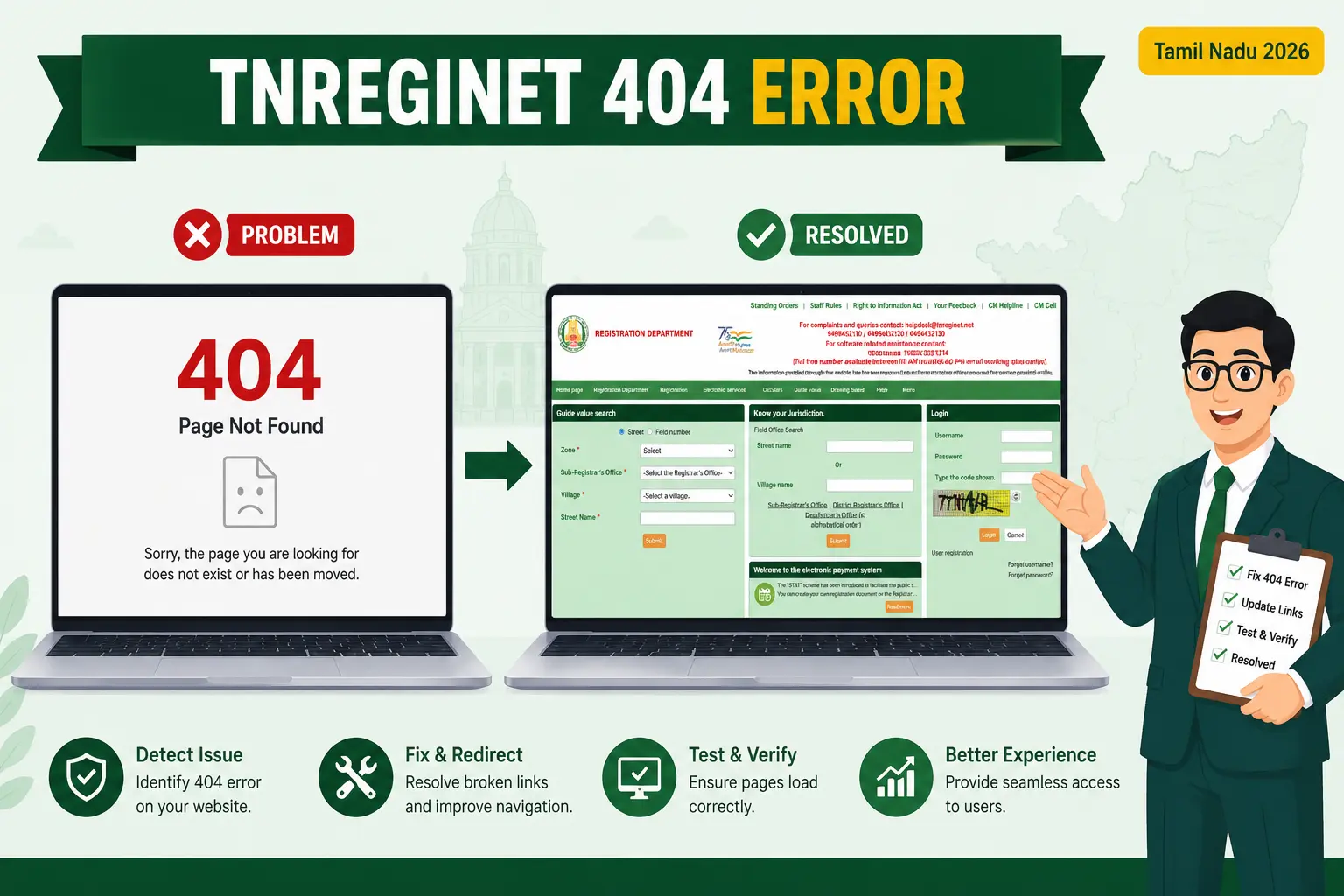
A TNREGINET 404 error means the exact page you asked for could not be found on the server, even though the portal itself is working. It is different from the site being down: a 404 points to a broken, mistyped, or expired link, not a crash. In most cases you can get back to EC view, guideline value, or login within a minute by opening the page from the official homepage instead of an old link.
Quick answer
Don’t reload the broken link. Go to the official portal at tnreginet.gov.in, then navigate to the service you need (E-Services, Guideline Value, or Login) from the menu. Old bookmarks, shared WhatsApp links, and search-result links to inner pages often break, which is the single most common reason for a 404 on this portal.
Is it a 404, or is the whole portal down?
Before you try any fix, it helps to know which problem you actually have, because the solutions are completely different. A 404 is a link problem you can usually solve yourself. A portal outage is a server problem you can only wait out. Match your screen to the table below.
| What you see on screen | What it usually means | Where to look |
|---|---|---|
| “404 – Page Not Found” or “The requested URL was not found” | A broken or expired link. The portal is fine. | Fixes 1 to 6 below |
| “Website will be available soon” or a blank white page | Scheduled maintenance or an outage. | Wait and retry; see our downtime guide |
| “Your session has expired” (or the Tamil equivalent) | You were logged in too long or idle. | Log in again from the homepage |
| Spinning loader that never finishes | Slow server or your network. | Try off-peak hours; check connection |
If your screen matches the first row, you have a genuine 404 and the fixes below will help. If it matches the second row, the portal is temporarily unavailable and no fix on your side will change that. Our guide on what to do when TNREGINET is not working covers that case in detail.
Why the TNREGINET 404 error happens
A 404 is almost always about the address your browser requested, not the portal’s health. On a government site like TNREGINET, four causes account for nearly every case:
Expired or moved inner links. Portal pages carry a temporary session ID in their web address. Once that session ends, the old link no longer resolves and returns a 404. This is why bookmarked inner pages so often fail.
Mistyped web address. A single wrong character, an extra space, or a missing “portal” in the path is enough. Web addresses are case-sensitive, so even the wrong capital letter can trigger a 404.
Outdated shared or search links. Links shared over WhatsApp, or older links still showing in search results, may point to a page structure the portal has since changed.
Cached old version. Your browser may be holding an old copy of a page whose real address has moved, sending you to a dead link.
6 quick fixes for the TNREGINET 404 error
Work through these in order. The first two solve most 404s on their own, so you may not need to reach the later ones.
Fix 1: Start from the official homepage, not the broken link
This is the fix that works most often. Instead of reloading the dead page, type tnreginet.gov.in fresh into your browser, wait for the homepage to load, and then click through to your service from the menu. Because the portal generates a new session link each time, navigating from the homepage gives you a live address instead of an expired one.
Fix 2: Check the web address for typos
If you typed the address by hand, look for missing letters, an extra space, or a wrong dot. The correct base address is tnreginet.gov.in. Common wrong versions include misspellings like “tnregined” or “tnregingt,” and adding an extra slash. Retype it carefully rather than editing the broken one.
Fix 3: Clear your browser cache, or use incognito mode
A cached old page can keep sending you to a dead address even after the portal has fixed it. Open a private or incognito window and load the portal there, which ignores the cache. If that works, clear your normal browser’s cache and cookies for the site and try again.
Fix 4: Delete the old bookmark and save a fresh one
If your 404 comes from a saved bookmark, that bookmark is almost certainly holding an expired session link. Delete it. Bookmark only the homepage (tnreginet.gov.in), and reach inner services like EC view or guideline value by navigating from there each time.
Fix 5: Try a different browser or device
If the 404 only shows in one browser, the problem is local to that browser. Switch from Chrome to Firefox, or from your phone to a desktop, and load the portal again. A stubborn extension or a broken browser profile can occasionally interfere with how links resolve.
Fix 6: Log in again if you see a session-expired message
If the error appears after you were logged in for a while, or after leaving the tab idle, your session has ended. Return to the homepage, log in again, and restart the task. Trying to resume from the old link will keep failing because that session no longer exists.
Watch out for lookalike sites
Only tnreginet.gov.in is the official government portal. Many similar-looking web addresses are private or informational sites, not the real service. If a link that isn’t on gov.in gives you a 404 for an official task, switch to the official portal before entering any personal or property details.
When it isn’t a 404 at all
If you have worked through all six fixes and every page still fails, the issue is probably not a broken link. Two situations look like a 404 but are not:
The first is maintenance. The Registration Department occasionally takes the portal offline, often overnight or early morning, and shows a “will be available soon” message instead of your page. There is nothing to fix here; the service returns once maintenance ends. Trying again during off-peak hours, such as early morning or late night, also helps when the server is simply overloaded.
The second is a login or registration failure, where the page loads but the action fails. That is a different problem from a missing page. If your trouble starts at the sign-up or sign-in stage, our guide on fixing TNREGINET user registration issues walks through it step by step. And once you are back in, our EC view online guide shows how to reach and download your certificate.
Frequently asked questions
Why does TNREGINET show a 404 error only on some pages?
Because the homepage loads from a permanent address, while inner service pages use temporary session links. When a session ends, the inner link breaks and returns a 404, even though the homepage still opens normally.
Does a 404 error mean the TNREGINET portal is down?
No. A 404 means one specific page could not be found, usually due to a broken or expired link. If the whole portal were down, you would see a “will be available soon” message or a blank page instead.
How do I avoid the 404 error next time?
Bookmark only the homepage, and always reach services like EC view, guideline value, or login by navigating from there. Avoid saving or reusing inner-page links, since they expire.
I cleared the cache and it still shows 404. What now?
Open the homepage in a fresh browser tab and navigate from scratch. If every page still fails, the portal may be under maintenance or overloaded, in which case waiting and retrying during off-peak hours is the only reliable option.
Can a wrong web address cause the TNREGINET 404 error?
Yes. Web addresses are case-sensitive and a single typo, extra space, or misspelling of tnreginet.gov.in can produce a 404. Retype the address carefully instead of editing the broken one.
In short
A TNREGINET 404 error is a link problem, not a portal crash. Start fresh from tnreginet.gov.in, navigate to your service from the menu, and clear your cache or bookmark if needed. If every page still fails after that, the portal is likely under maintenance, so retry during off-peak hours. For anything the portal itself cannot resolve, use the Contact or Help section on the official site, or approach your local Sub-Registrar Office.
Related services
TNREGINET Not Working: what to do when the whole portal is down, not just one page.
User Registration Not Working: fixes for sign-up and account creation errors.
EC View Online: how to search and download your Encumbrance Certificate once you’re back in.
This is an independent guide and is not affiliated with the Tamil Nadu government or TNREGINET. Always confirm current portal behaviour and contact details on the official site.